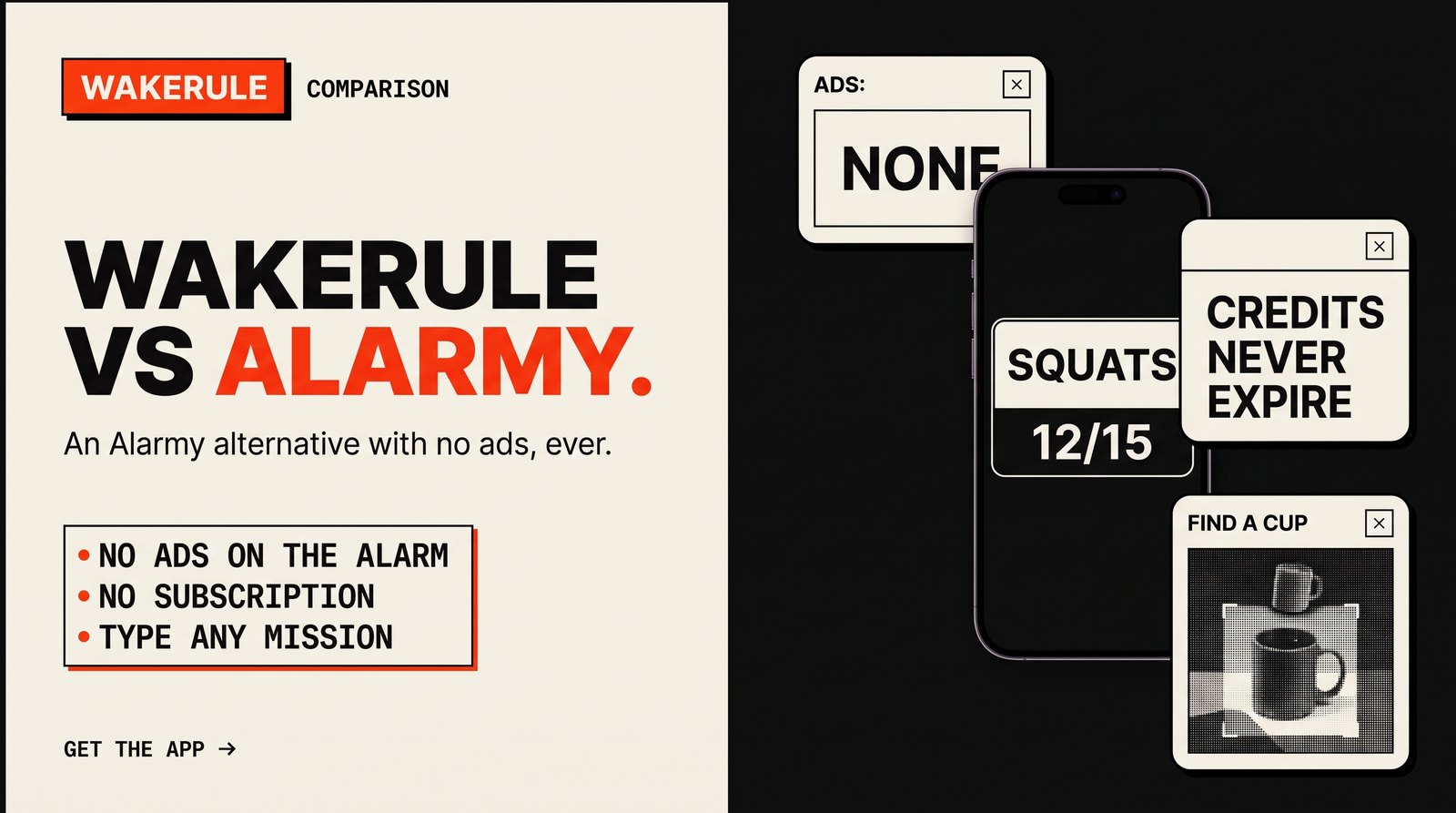
Alarmy is the alarm app most people find first when they search for "an alarm that makes me get up". It earned that spot. WakeRule is the newer one, built by people who used Alarmy and wanted a few things done differently.
This is the comparison we would want to read ourselves. Where Alarmy is better, we say so.
The short answer
Pick Alarmy if you use an iPhone, want the biggest library of sounds and missions, or prefer an app with a long track record and a huge user base behind it.
Pick WakeRule if you are on Android and want an alarm with no ads at all, free camera and movement missions, and the option to type your own mission instead of picking from a list. You also never sign up for a subscription.
That is most of it. The rest is detail.
Who makes them
Alarmy is made by Delight Room. It has been around for years, runs on Android and iOS, and is one of the most popular alarm apps anywhere. If something is going to break on a strange phone model, Alarmy has probably already met that phone and fixed it.
WakeRule is new and Android only for now. Smaller library, younger app. We are not going to pretend otherwise.
Missions side by side
Both apps make you do something before the alarm stops. Here is how the missions line up. For Alarmy, we only list what we can back up, and some of its missions need Premium. Check the app for which ones.
| Mission | Alarmy | WakeRule |
|---|---|---|
| Math | Yes | Free |
| Typing | Yes | Free |
| Shake | Yes | Free |
| Memory / pattern | Memory | Colour tiles, free |
| Scan a barcode or QR | Yes | Free |
| Photo of a spot | Yes | Free |
| Steps | Yes (some missions need Premium) | Free |
| Squats | Yes (some missions need Premium) | Free, plus five more exercises |
| Find an object with the camera | AI-type missions are Premium | Item hunt, free |
| Shout | Not covered here | Free |
| Type any mission you like | Pick from their list | Paid, with credits |
A few notes on the WakeRule side.
Item hunt asks you to find a cup, a toothbrush or a towel and show it to the camera. The check runs on your phone, so it costs us nothing and costs you nothing.
The six exercises are Out of bed, Jumping jacks, Squats, Push-ups, Touch your toes and Stand on one leg. Your phone counts the reps from the camera. More on how they work.
Chaining. You can stack up to five missions on one alarm, in any order. Math, then steps, then ten squats. The alarm stops after the last one.
Free-text missions are the one thing WakeRule does that we have not seen elsewhere. You type what you want to do. "Pour a glass of water and drink it all." "Water the balcony plant." The AI reads it, shows you exactly what the camera will look for, and you lock it in. At 6am it watches through the camera until you have done it.
Alarmy's library is still bigger overall. If you want lots of variety from presets, it wins on volume.
Ads
This is the biggest difference, so it gets its own section.
Alarmy's free version shows ads, including around the alarm screens. Premium removes them. That is a normal way to fund a free app, and plenty of people are fine with it.
WakeRule shows no ads, on any tier, ever. There is no ad network SDK in the app, so there is nothing to switch on later. We wrote it down as a pledge: No ads. Not now, not ever.
If you came here searching for an Alarmy alternative without ads, this is the part you wanted.
Pricing models
No prices here, because prices change and vary by country. Just the shape of each.
Alarmy has a free version with ads and a Premium subscription. Premium removes ads and unlocks extras, including the AI-type missions. You pay on a schedule for as long as you want those things.
WakeRule has a free tier with no ads and no time limit. Every mission your phone can check by itself is in it: Math, Typing, Shake, Colour tiles, Scan a code, Item hunt, Photo, Steps, Shout and the six exercises.
The only paid thing is free-text missions, because those run an AI model on our servers and that costs real money per minute. They use credits:
- 1 credit = 1 minute of the AI watching.
- 3 free credits when you sign up, to try it.
- Packs are bought once. Purchased credits never expire.
- No subscription. Nothing renews.
If you only ever use the free missions, you never pay anything. If you use the AI a lot, you buy a pack when you run low.
Privacy
An alarm app with camera missions sees your bedroom at 6am. Worth asking what happens to that.
On WakeRule, the free missions run on your phone. Their camera frames never leave the device. Photo keeps a fingerprint of the spot, never the picture itself. Shout listens for loudness and records nothing.
For free-text missions, frames go to our server to be analysed and are never stored.
There is no ad SDK and no tracking SDK in the app. Nobody is building an advertising profile from your mornings.
We are not going to make claims about Alarmy's privacy setup. Read their policy and decide for yourself.
Who should pick which
Stay with Alarmy if:
- You have an iPhone. WakeRule is Android only for now.
- You want the widest choice of sounds and preset missions.
- You already pay for Premium and you are happy with it.
- A long track record matters more to you than anything on this list.
Try WakeRule if:
- Ads on the screen you see first thing every morning annoy you.
- You want camera, steps and exercise missions without a subscription.
- You want to set a mission in your own words, like "do 20 kettlebell swings" or "carry the trash out".
- You would rather pay once for what you use than every month.
If you sleep through almost everything, we also compared a few options in the best alarm apps for heavy sleepers.
How to switch
Switching an alarm app is nervous work. You are trusting it with tomorrow morning. Here is the low-risk way.
- Install WakeRule from Google Play.
- Set your alarm for the same time as your Alarmy one.
- Pick a mission. Start with something you know works for you, like Math or Steps. Add an exercise or an Item hunt once you trust it.
- Allow the permissions it asks for. The alarm needs them to ring over the lock screen.
- If you are nervous, keep your Alarmy alarm a few minutes later as a backup for a week. If WakeRule gets you up every day, turn the backup off.
That is it. You do not need to delete anything on day one.
Questions people ask
Is there an Alarmy alternative without ads?
Yes. WakeRule has no ads on any tier and no ad SDK in the app. The free missions, including Item hunt, Steps and the six exercises, come without ads too.
Is WakeRule free?
Mostly. Every mission your phone checks on its own is free, with no time limit. Free-text missions, where the AI watches, use credits. You get 3 free credits at sign-up, and packs are bought once with no subscription.
Is WakeRule on iPhone?
Not yet. WakeRule is Android only for now. If you are on iOS, Alarmy is the one to use today.
What is the difference between WakeRule and Alarmy?
Alarmy has the bigger library, iOS support and a long track record, and its free version shows ads. WakeRule has no ads, keeps camera and exercise missions free, lets you type your own mission, and sells credits once instead of a subscription. More on WakeRule on the home page.