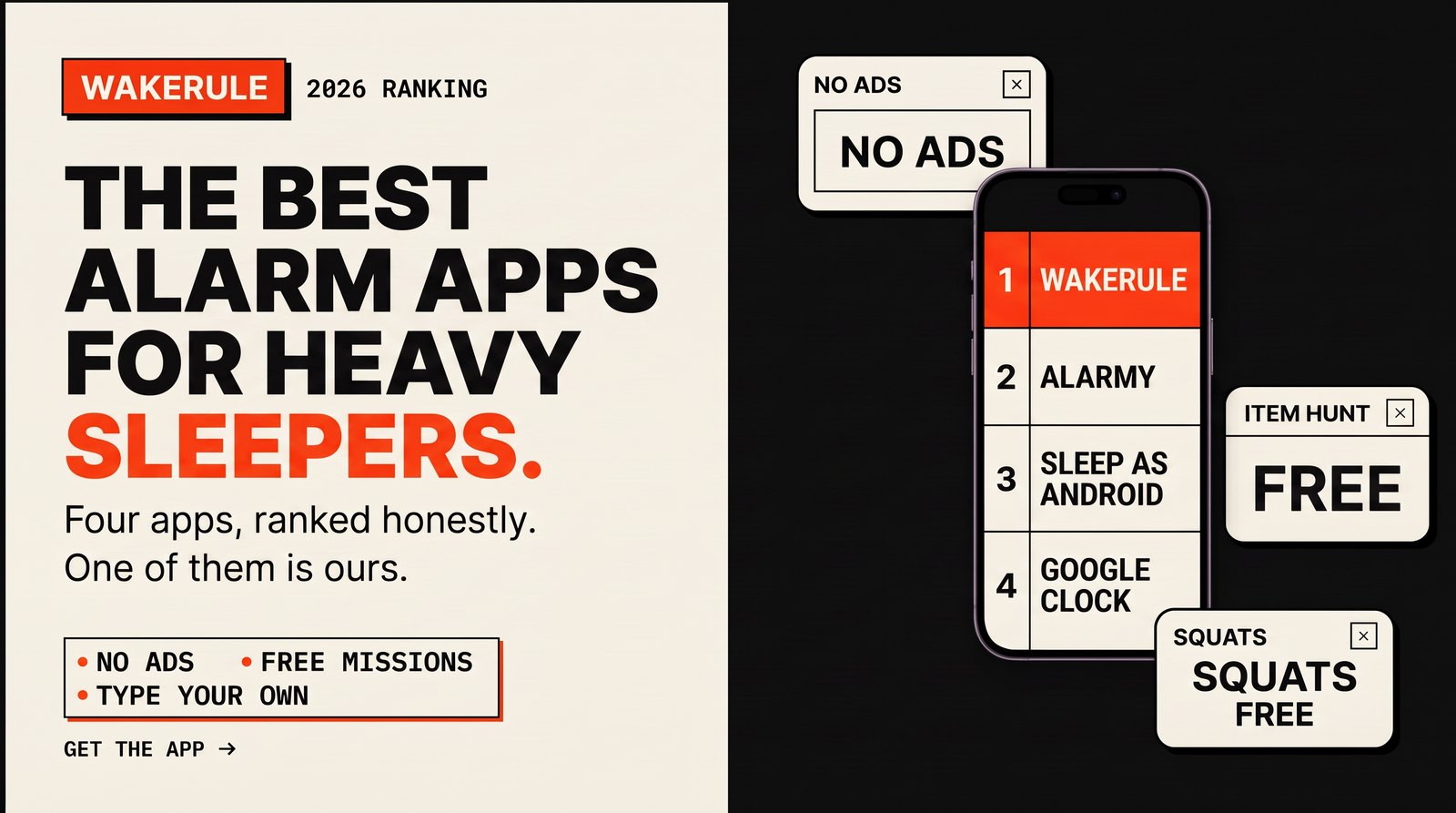
If you sleep through alarms, a louder ringtone will not fix it. Your hand learned where the snooze button lives years ago, and it gets there without asking the rest of you. The best alarm apps for heavy sleepers deal with the hand. They refuse to go quiet until you do something a sleeping person can't: stand up, walk, think.
Below are the four apps most people end up choosing between. We make one of them, so you can guess who comes first. We will still tell you where it falls short, and when one of the others is the better pick.
If your problem is bigger than the app, start with how to wake up when you sleep through alarms. This post is about the tool.
How we picked
A heavy sleeper needs an alarm that does four things.
- It forces you upright. Anything you can finish lying down, you will finish lying down, and then you will fall back asleep.
- It needs your brain. A sum or a pattern drags you past the foggy stage where "five more minutes" sounds like a plan.
- It can't be silenced in one tap. If one tap ends it, your sleeping hand will find that tap.
- Nothing else on the ringing screen. No ads, no promo cards, no reason to start scrolling. Just the alarm and the way out.
Every app below was judged on those four. Features that don't help you get up, like themes and widgets, didn't count.
The best alarm apps for heavy sleepers, compared
| WakeRule | Alarmy | Sleep as Android | Google Clock | |
|---|---|---|---|---|
| Missions to turn off the alarm | Yes | Yes | Yes | No |
| Free-text mission (type your own) | Yes | No | No | No |
| Ads in the free version | No | Yes | Trial, then unlock | No |
| Camera missions | Yes | Yes | Partly | No |
| AI checks what you do | Yes (credits) | Partly (Premium) | No | No |
| Price model | Free, AI missions on credit packs | Free with ads, Premium subscription | Free trial, then one-time unlock | Free |
| Platforms | Android | Android, iOS | Android | Android |
1. WakeRule: best overall for heavy sleepers
What it does. You pick a mission, and the alarm keeps going until you finish it. The free list is long:
- Math, Typing, Shake, Colour tiles, Scan a code. The classics. Scan a code works best with a barcode in the kitchen, because the mission is really the walk.
- Item hunt. Find a cup, a toothbrush or a towel and show it to the camera. The phone recognises it on its own, so it costs nothing.
- Steps. Walk it off.
- Photo and Shout. Match a spot you photographed at setup, or be loud for a few seconds.
- Six exercises. Out of bed, jumping jacks, squats, push-ups, touching your toes, standing on one leg. The camera counts them on your phone.
You can chain up to five missions on one alarm. Squats, then a cup, then a sum. By the third one you are awake whether you like it or not.
Then there is the part nobody else has. You can type any mission in your own words. "Pour a glass of water and drink it all." "Water the balcony plant." "Hold a plank for 30 seconds." The AI reads it, shows you exactly what the camera needs to see, and checks you live while you do it. Every other alarm app hands you a menu. This one hands you a keyboard.
No ads, ever. No ad SDK, no tracking SDK, nothing on the ringing screen except your alarm. We wrote the pledge down so you can hold us to it. Camera frames are analysed and never stored.
Who it suits. Heavy sleepers who have already beaten a math mission in their sleep. People who want exercise or a walk built into the alarm without paying a subscription for it. Anyone tired of ads at 6am.
The catch. Three of them.
- Android only for now.
- The free-text AI missions cost credits. One credit is one minute of checking. You get 3 free when you sign up, and after that you buy packs once. No subscription. Everything that runs on the phone stays free.
- No sleep tracking. If you want graphs of your night, look at Sleep as Android.
2. Alarmy: the popular all-rounder
What it does. Alarmy, from Delight Room, is the best-known mission alarm app. It has a big set of missions: photo, math, shake, barcode or QR, typing, memory, squats and steps. It runs on Android and iOS and is very popular, so help and how-to videos are easy to find.
Who it suits. Heavy sleepers on iPhone, since it works there and WakeRule doesn't yet. People who want a well-known app with a long track record.
The catch. The free version shows ads, including around the alarm screens. A Premium subscription removes them and unlocks extras, and some of the AI and advanced missions sit behind it. If you hate subscriptions, that adds up. There is also no way to write your own mission. You choose from their list.
We went into this in more detail in WakeRule vs Alarmy.
3. Sleep as Android: best for sleep tracking
What it does. Sleep as Android, from Urbandroid, is a sleep tracker first. It watches your night and can wake you inside a smart window, when you are in lighter sleep, which can make getting up feel less brutal. To turn the alarm off it uses CAPTCHA tasks: math, shaking, scanning a QR code or NFC tag, and more.
Who it suits. People who want data about their sleep as well as an alarm. If you are curious why you feel wrecked every morning, the tracking is the reason to pick it.
The catch. It is Android only. You get a free trial, then a one-time purchase to unlock it. The CAPTCHAs do their job, but the tracking is the star here. There is no way to type your own task.
4. Google Clock: the baseline
What it does. It's the alarm that came with your phone. It is free, built in and reliable. It rings when it says it will, and that is worth a lot.
Who it suits. Light sleepers. People who wake up on the first ring and only need a reminder that it's morning.
The catch. One tap snoozes it. One tap dismisses it. For a heavy sleeper, that is the whole problem. Nothing makes you stand up or think, so your half-asleep hand wins every time. Keep it for naps and timers.
Which one should you get?
- You sleep through everything and you're on Android: WakeRule. Chain an exercise with an item hunt and you are on your feet in the kitchen before you've decided anything.
- You're on iPhone: Alarmy. WakeRule is Android only for now.
- You care most about sleep data: Sleep as Android.
- You wake up fine already: Google Clock. Save your phone storage.
One tip that works with any of them: put the phone across the room. An alarm you have to walk to is half a mission already.
Questions people ask
What is the best alarm app for heavy sleepers?
One that won't stop until you are up and thinking. For Android, we rank WakeRule first: free missions that get you out of bed (item hunt, steps and six camera-counted exercises), no ads, and the option to type your own mission. Alarmy is the closest alternative and the pick on iPhone.
Is there an alarm app that makes you get up?
Yes. Mission alarms make you do something before they stop. The ones that work best for getting up are physical: walk a number of steps, find an object in another room, or do squats in front of the camera. In WakeRule all of those are free.
What is the best alarm clock app for Android with no ads?
WakeRule has no ads in any version, and no ad code in the app at all. Google Clock is also ad-free, but it has no missions, so it won't help much if you sleep through alarms. Sleep as Android uses a trial and a one-time unlock instead.
Can I just use the built-in alarm?
You can, and if you wake up on the first ring you should. If you don't, the built-in alarm loses to your snooze reflex because it ends in one tap. That's the gap these apps fill. Have a look at WakeRule if you're ready to try one.